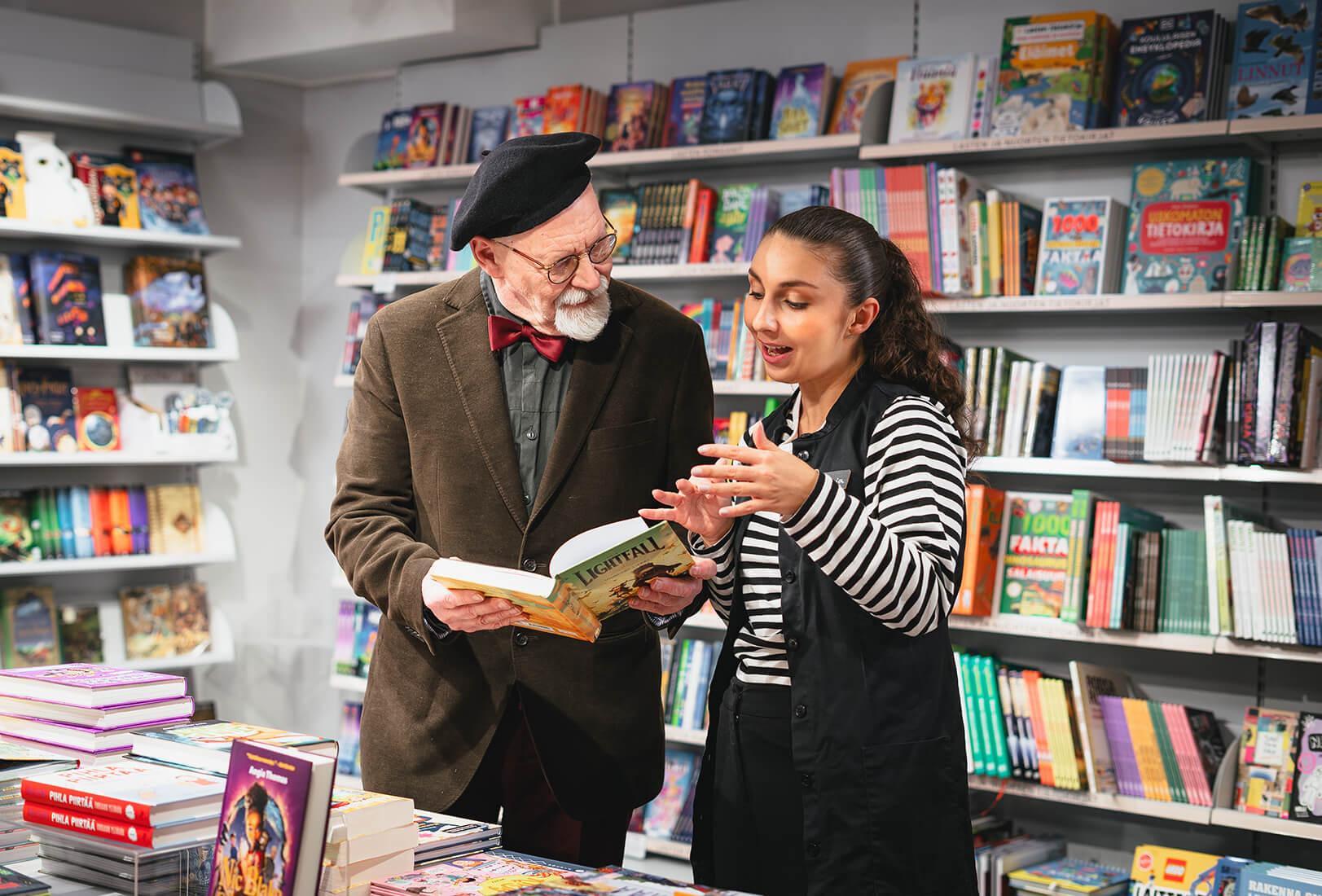
Equally good digital services for all
Otava renewed its digital services in line with the European Accessibility Act in order to provide a smoother and more equitable customer experience.
Thanks to screen readers, visually impaired schoolchildren can listen to the alt-text descriptions of images used in digital learning materials. An elderly person can successfully take out a magazine subscription using their computer keyboard. Customers who suffer from migraines can safely order e-books from Otava’s online store, as the accessibility information indicates that they don’t contain any flashing animations.
These are just a few examples of how Otava has been working to promote accessibility. Our efforts were partly driven by the European Accessibility Directive, which came into effect in the middle of last year. Its core idea is that all customers should be able to use a company’s digital products and services.
Thanks to screen readers, visually impaired schoolchildren can listen to the alt-text descriptions of images used in digital learning materials.
Otava got off to an early start with its own developments. Once we had implemented all of the required changes that were feasible, it was time for testing and documentation. Finally, our business units prepared accessibility statements and created a feedback channel for accessibility issues to the extent required by law.
All this was then integrated into innovation and development work throughout the Group.
Otava Learning: Equitable learning experiences
Otava Learning’s experts worked hard to compile and publish accessibility information for our digital learning materials. The tasks that required most effort were submitting this information to Traficom and adding it to our own product information and the product database used by Storia’s procurement services.
“Both learners and teachers may experience either temporary or permanent challenges with, for example, hearing. They can now easily check whether our materials meet their needs,” says Managing Editor Johanna Eronen.
Contact details and other accessibility information are now easily available in the accessibility statements that have been separately created for both our older and newer digital products.
Newer digital learning materials also include accessible exercises that make learning more diverse.
Heta Saxell, who is a publishing editor for learning materials about history, religion and philosophy, highlights the addition of alt-text descriptions to the images in newer digital products. They benefit not only the visually impaired and those with poor eyesight, but anyone who cannot get an image to load due to a slow connection. The alt-text descriptions that are generated with the help of artificial intelligence should help learners understand what is being shown in the image and why it is important.
“As alt-text descriptions are meant to add to the learning experience, they must not contain the same text as the captions,” says Saxell.
Newer digital learning materials also include accessible exercises that make learning more diverse. For example, in a task that requires students to mark text on a screen, they can use assistive technology, such as screen readers.
These upgrades were a continuation of Otava Learning’s in-depth work to enhance quality and sustainability.
“All children and young people in Finland use our learning materials, so accessibility is a matter of course for us. It’s also a competitive advantage,” says Content Director Anna-Reetta Sipilä.
Suomalainen Kirjakauppa: Effortless purchasing decisions
Suomalainen Kirjakauppa focused on developing its online store into a handy place for everyone to shop. The company implemented some fairly major changes on the basis of an audit.
“There was plenty of development work to do, so we completed things one-by-one in order of priority. This worked well,” says Director Hanna Haukkapää.
Ninja Tikkanen, who ishead of e-commerce and future sales, points out some of the main challenges. “In certain situations, shoppers who only used a screen reader or keyboard were unable to add products to their shopping cart or proceed to the checkout. We fixed these features first to make shopping and paying for purchases a smoother experience.”
A lot of weight was carried by the opinions of our testers, who were experts by experience, such as people with visual impairments.
“There was plenty of development work to do, so we completed things one-by-one in order of priority.”
The year also saw close cooperation with the Booksellers Association of Finland and Finnish Publishers Association in an accessibility working group that developed a standardised way to present accessibility information for e-books. Suomalainen Kirjakauppa then had to consider how to structure this information.
E-commerce merchandising manager Susanna Honkanen says that the webpage for each e-book now has an accessibility tab that includes information about whether non-decorative text (such as text in diagrams) is displayed as text to screen readers, whether there are any safety warnings (such as flashing animations), and whether the text is customisable in terms of, for example, font size. These are all things that make for a more enjoyable reading experience.
“There’s also a link to a form through which you can easily report any accessibility issues that you may have encountered. This means that customers don’t need to search for contact details in the accessibility statement,” says Honkanen.
Haukkapää also notes that enhancing the accessibility of online stores has become a natural element of all innovation and development work. And this is also the case throughout Otava.
Otavamedia: A smooth customer experience
For Otavamedia, the European Accessibility Directive led to some small developments in its customer journey. An online buyer’s journey covers the entire customer experience from order pages and payment walls to logging in, changing payment methods and managing orders.
“We wanted to make shopping and buying as easy and convenient as possible for all of our customers, and especially the elderly, as they constitute an important part of our customer base,” says Development Manager Anna Närhi.
“We wanted to make shopping and buying as easy and convenient as possible for all of our customers.”
Most of the issues that needed fixing were technical in nature: the tab key must enable users to move smoothly forward in a form, and screen readers must be able to read all forms of text. Adequate colour contrast is also required, so that the text stands out clearly from the background. There should be no contradictions in terms of symbols either – for the sake of clarity, each symbol should only have one meaning.
This development work went smoothly in every respect thanks to assistance from an experienced partner. “Our long-term development partner is one of Finland’s leading accessibility auditing companies, which made these changes much easier to implement,” says Jaana Nyström, Head of Business IT.
The European Accessibility Directive
- In accordance with the European Accessibility Directive, all digital products and services that are sold to consumers (as well as certain devices and their support services) have been required to be independently usable with assistive technologies as of 28 June 2025. Assistive technologies include keyboards, screen readers, magnifiers, voice control and switch control.
- The European Accessibility Directive provides general functional requirements rather than specific technical instructions. For digital services, the requirements are implemented using established accessibility standards and criteria.
- The European Accessibility Directive also requires the provision of accessibility information, a feedback channel for accessibility issues, and the maintenance and upkeep of accessibility.
- Digital accessibility is just one aspect of overall accessibility, which also extends to physical spaces, events and environments.
- Accessibility requirements had previously applied only to the public sector and certain private-sector operators under the EU Web Accessibility Directive.